
Four ways to make a font
From a description
Type the mood, the era, the use. Get a full font in minutes.
Start → From an imageUpload a logo, poster or sign. We rebuild the letters you see.
Upload → From handwritingPhoto of a filled sheet becomes your own handwriting font.
Get the sheet → Import a fontBring a TTF or OTF, add languages, edit glyphs, export again.
Import →
Marketplace home
Categories
Trending this week
Browse all →





60 languages · 9 writing systems · one prompt · real installable fonts
speaks itpartlycan't render
Drop a font file — see every language it speaks
TTF · OTF · WOFF · WOFF2 · or browse
Only the character map and name table are read. Nothing is published.
// edit your font
1 · drop a font → 2 · pick languages & weights → 3 · open in Studio
Aa
+ Cyrillic
+ Bold
glyph fixed
Drop your font file
TTF · OTF · WOFF · WOFF2 · or browse · the original outlines stay untouched
your font · after
One credit per glyph. Nothing is published — the project stays private until you say otherwise.
Add languagesdrawn in your font's own hand
Add weightsBold & Thin from your Regular
Your font—
one-time · every glyph editable · yours forever
// your fonts here
Add a languageCyrillic, Greek, CJK and more — drawn in your font's own hand
01Add a weightBold or Thin built from your Regular, keeping its proportions
02Edit every glyphFix a letter, regenerate one, or draw a missing character
03
// font from image
1 · add a picture → 2 · pick languages & weights → 3 · generate
Drop a picture with lettering
Logo, poster, sign or screenshot · PNG, JPG, WEBP up to 10 MB
reference attached
Drop an image — select the lettering you like
PNG, JPG, WEBP · words are detected automatically
your selection
Just want the name? Open Font Finder
Feed it any pictureA shop sign, a poster, an album cover, a screenshot. Angles and grain are fine — sharp letter edges matter more than megapixels.
01Words get boxed for youAn on-device pass outlines every word it can see. Nothing goes to a chat model and no font name is ever guessed.
02You pick the lettersTap a detected word, or drag a box around exactly the part you love. That crop becomes the style brief.
03Get the whole alphabetEvery letter you never photographed, drawn in that same hand — in all the languages and weights you choose.
04
required 0 glyphs
15 236 fonts made1 981 172 glyphs drawnTTF · OTF · WOFF · WOFF2first font free
Preparing generation…
1 glyph = 1 character: a 100-glyph font is 100 drawn characters.
AI Font Generator Describe a font.
Get the whole typeface.
YoFont drafts every glyph, weight and language from a single sentence — then hands you a studio to perfect it.
What is an AI font generator?
An AI font generator turns a written description, or a picture you upload, into a real typeface: a model draws every letter, digit and punctuation mark, then assembles them into an installable font file with proper spacing and OpenType features. Most AI font generators stop at a picture of the text or a string of lookalike Unicode symbols you paste into a bio. Those produce characters, not fonts, and cannot be installed. YoFont is the only multi-script one: a single prompt produces a complete family covering up to 60 languages across 9 writing systems, from Latin, Cyrillic and Greek to Hebrew, Devanagari, Chinese, Japanese and Korean, in Thin, Regular and Bold. Every glyph stays editable in the Studio, so you can regenerate or hand-fix single characters without touching the rest. You download TTF, OTF, WOFF and WOFF2 files, or embed the font straight from the CDN. The first font is free and needs no card.
// Marketplace
Fonts ready to license
Every font comes with a full set of preview cards. Pick a licence for desktop, web, e-books or apps and pay once per font.
Now open
See the fonts
The YoFont Marketplace is live
67 fonts for commercial use. Licences from $8, one payment, no subscription.
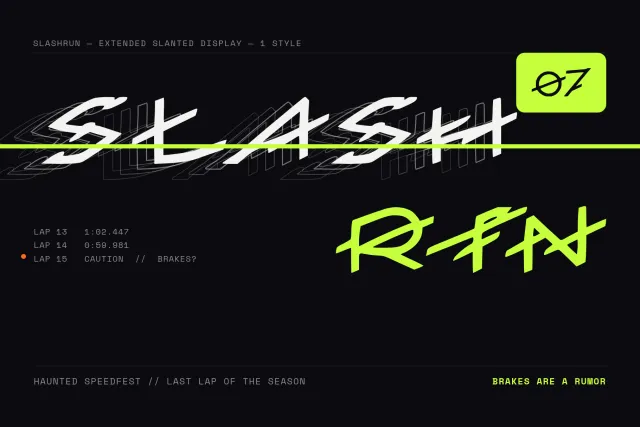
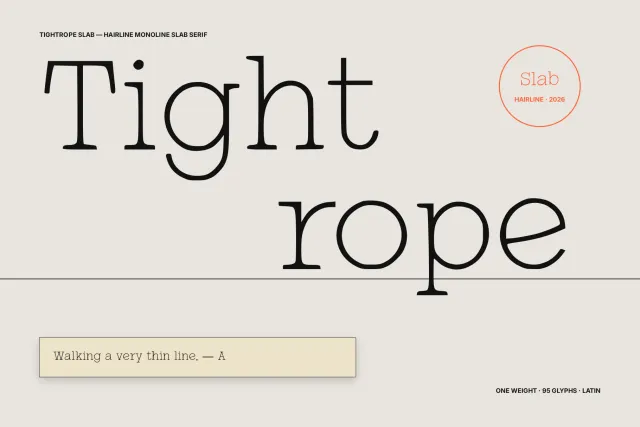
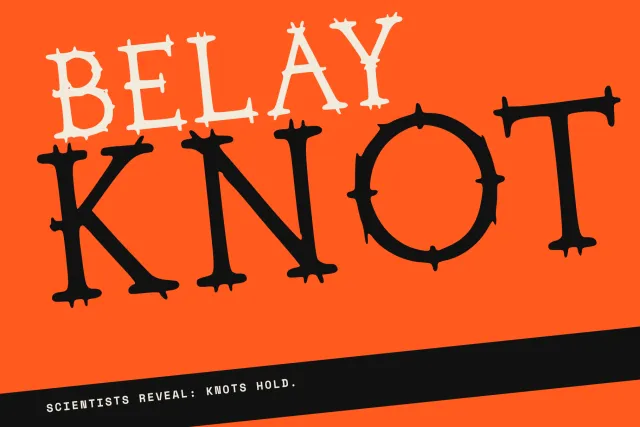
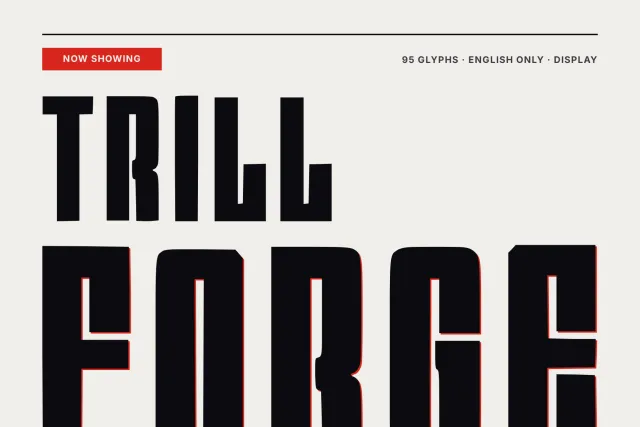
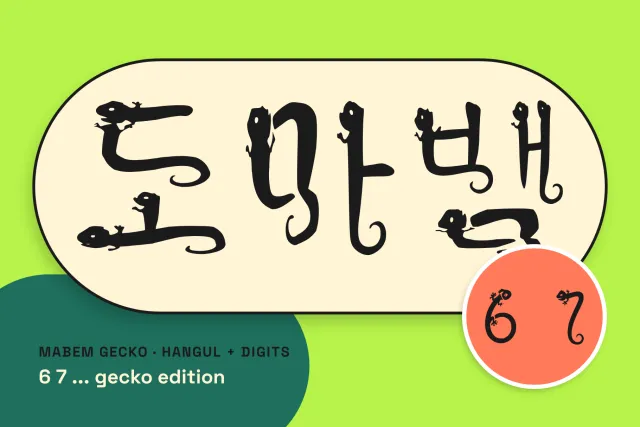

Showing 12 of 67 fonts
Slashrun
from $9Tightrope Slab
from $9Lunchbox Note
from $9Politician Faces
from $9Belay Knot
from $9Trillforge
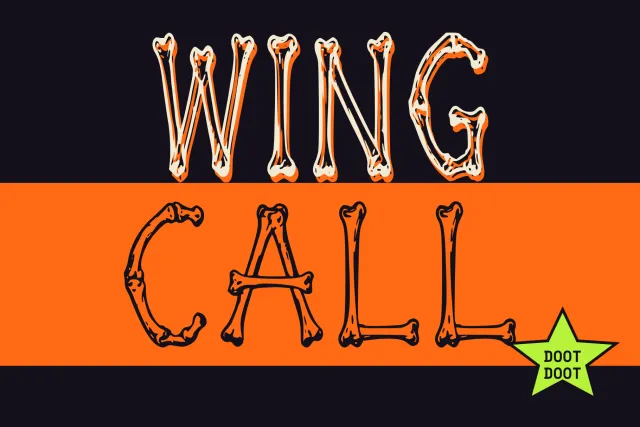
from $9Wing Call
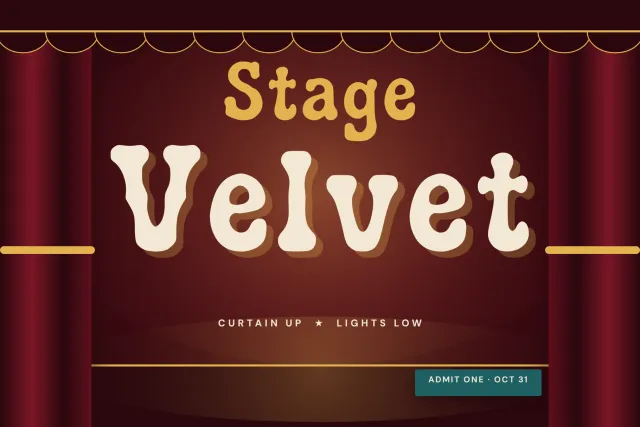
from $9Stage Velvet
from $9Stall Rune
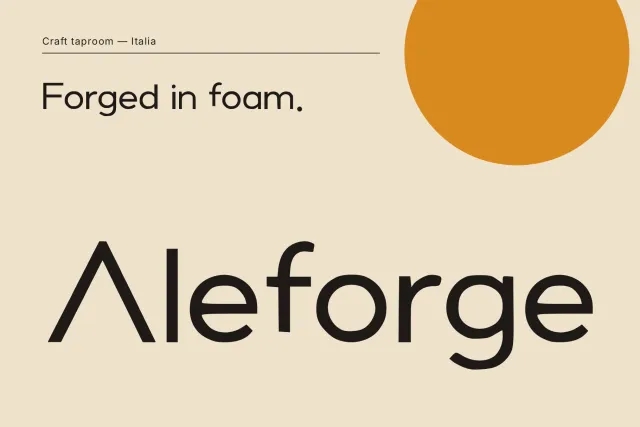
from $9Aleforge
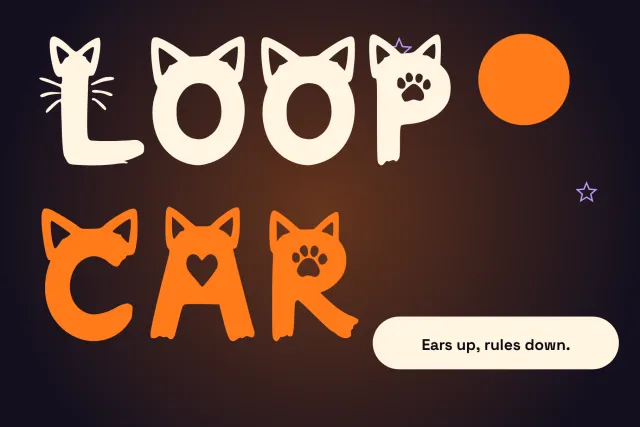
from $9Loopcar
from $9// Plugins
YoFont where you already work
Figma plugin — available now
YoFont for Figma
Figma plugin
- Copy typography style from screenshots
- Generate custom typeface from prompt
- Apply font directly in your frames
- Latin, Cyrillic, CJK and more

YoFont for Chrome
Browser extension
- Detect fonts on any website instantly
- Generate matching style by prompt
- Swap selected site typography with your own
Soon
coming to Chrome Web Store
// Earn with YoFont
Your fonts can pay you back
// how it works
How the AI font generator works
one sentence in, a font family out
01
Describe it, or show it.
Type one sentence about the feel: “condensed grotesque, heavy, flat terminals”. Or attach a picture: a logo, a poster, six lines of your handwriting. The generator reads weight, contrast and rhythm from whatever you give it.
02
Choose languages and weights first.
Pick any of the 60 languages and up to three weights before you generate. A family drawn for Latin and Cyrillic together keeps one voice. A script bolted on later rarely does.
03
Read the draft like a proofreader.
Every letter, digit and punctuation mark arrives at once. Type a real sentence in the tester, not the alphabet: problems live between letters, and a word you actually use finds them faster.
04
Fix single letters, then download.
Any glyph can be regenerated or redrawn on its own in the Studio. Export TTF, OTF, WOFF and WOFF2, or embed the font from the CDN. The first font is free and asks for no card.
// what you download
What you download
TTFOTFWOFFWOFF2
A normal font family
It installs on Windows, macOS and Linux, shows up in Word, Figma, Canva and Photoshop like any other typeface, and works offline for as long as you keep the files. Each weight is a separate file, and the web formats carry the same outlines for CSS @font-face.
WindowsmacOSLinuxWordFigmaCanvaPhotoshopCSS @font-face
It is yours to keep
Personal and non-commercial use needs nothing extra. Client work, packaging and paid products need a commercial licence, which is a checkbox at download rather than a negotiation.
See what a licence covers→// three different tools
AI font generator, copy-paste font generator, or drawing it yourself
The same two words cover three different tools. Most pages that rank for “font generator” swap your text for look-alike Unicode symbols. Those are characters, not fonts: they paste into a bio and fall apart in a screen reader. Drawing a typeface by hand is the opposite extreme, and it takes weeks. Here is where each one lands.
YoFont
What you get
An installable font file
Where it works
Any app that uses fonts
Languages
60, in one pass
Time to a full family
Minutes
Fix one letter
Yes, in the Studio
Cost
First font free
Copy-paste generators
What you get
A string of Unicode look-alikes
Where it works
Only where those symbols render; screen readers read them as gibberish
Languages
A handful of Latin styles
Time to a full family
Instant
Fix one letter
No
Cost
Free
Drawing by hand
What you get
An installable font file
Where it works
Any app that uses fonts
Languages
Whatever you draw
Time to a full family
Weeks
Fix one letter
Yes, in a font editor
Cost
Software plus your hours
// in numbers
YoFont in numbers
15 236fonts made
1 981 172glyphs drawn
60languages
9writing systems
4file formats
// before you start
Questions people ask before the first font
Is the AI font generator free?
The first font is free and no card is asked for. It is a complete family with installable files, not a watermarked preview. After that you buy glyphs as you need them or take a plan.
Which formats do I get?
TTF, OTF, WOFF and WOFF2 in one download, plus a CDN link for the web. Every weight is a separate file.
Can I use the font commercially?
Yes, with a commercial licence. It covers logos, packaging, client work and paid products. Personal use needs nothing extra.
Does it work for languages other than English?
It draws 60 languages across 9 writing systems in the same pass: Latin, Cyrillic, Greek, Hebrew, Devanagari, Chinese, Japanese and Korean. You choose them before generating.
Can I change a letter I do not like?
Yes. Every glyph opens in the Studio, where you regenerate it, redraw it, or upload a reference for that one character. The rest of the family stays as it was.
I only want the name of a font in a picture.
That is the other tool: the font finder reads the lettering and names the closest matches. If none of them is right, the same picture can become a new font here.