
First font free · No credit card · TTF/OTF/WOFF/WOFF2
on Pro and Studio for the first hour
Monthly or yearly, from $9.50/mo.
60
languages in one family, across 10 writing systems
< 1 min
from a sentence to installable font files
TTF
plus OTF, WOFF and WOFF2 — real files that work offline
Three ways to start
Say what you want in plain words — “heavy geometric sans with squared corners”. Best when the font exists only in your head.
AI font generator → 02 Start from a pictureA logo, a poster, a photo of a sign. Best when you have seen the style and want the whole alphabet in it.
Make a font from an image → 03 Start from your handwritingPhotograph a few lines you wrote. Best when the font has to be unmistakably your own style.
Turn your handwriting into a font →60 languages · 10 writing systems · one sentence
Create your own font — free
Describe the font you want, or upload a picture. You get real, installable font files — not a preview.
TTF · OTF · WOFF · WOFF2 Thin · Regular · Bold Every glyph editable First font free
Describe the font (or attach a reference image) — the full typeface is ready in about a minute. First font free.
Make your own font without design software: describe the typeface you want in one sentence, or start from a picture or your own handwriting. YoFont draws the whole character set, up to three weights and up to 60 languages across 10 writing systems, and hands you real TTF, OTF, WOFF and WOFF2 files. Every glyph stays editable in the Studio. The first font is free and needs no card.
Trending this week
How it works
A vibe, a brief or a reference image — plain language is enough.
The full character set is drawn and assembled into a working font in about a minute.
Tune any glyph in the Studio, then download TTF/OTF/WOFF/WOFF2 or embed from the CDN.
Frequently asked questions
How do I create my own font for free?
Describe it in the box above and generate — the first font costs nothing and no card is asked for. You get installable TTF, OTF, WOFF and WOFF2 files, not an image of text.
Do I need to know type design?
No. You need an opinion about what the font should feel like. The draft arrives complete; your part is noticing which letters are wrong and fixing those, which the Studio lets you do one glyph at a time.
Can I use my font commercially?
Yes, with a commercial licence — it covers logos, packaging, client work and paid products. Personal and non-commercial use needs nothing extra. You get real files that install and keep working offline.
Can I make a font from my handwriting or from an image instead?
Yes — both are the same generator with a picture attached. Photograph a few lines of your handwriting, or upload a logo or poster, and the style is extended into a full family.
Which file formats do I get?
Every font exports as TTF, OTF, WOFF and WOFF2, plus CDN-hosted @font-face URLs for web embedding.
How to create your own font, free, without design software
Making a typeface used to be a craft with a long apprenticeship: draw every letter, space every pair, test at every size. That path still exists and it is still the best one if type design is what you want to learn. If you simply need a font that nobody else has, four steps get you there.
- Say what it should feel like. Concrete beats poetic. “Condensed grotesque, heavy, flat terminals, tight spacing” gives a sharper result than “modern and clean”, because every one of those words is a decision the draft can act on.
- Pick languages and weights before you generate. A family drawn for Latin and Cyrillic together holds its proportions better than one bolted on afterwards. Up to three weights, up to 60 languages across 10 writing systems, in one pass.
- Read the draft, do not just look at it. Type a real sentence, not “ABC”. Problems in a typeface live in the rhythm between letters, and a word you actually use will show them faster than the alphabet in order.
- Fix the letters that bother you, then export. Every glyph can be redrawn or regenerated on its own. What you download is a normal font family — TTF, OTF, WOFF and WOFF2 — that installs on any machine and works offline forever.
What “free” actually means here
The first font is free and needs no card. It is a complete family, not a watermarked teaser and not a picture of a font: install the files and use them. Most “free custom font generator” results are neither — they render your text as an image and stop there.
After the first one you either buy glyphs as you need them or take a plan, and a commercial licence if the font goes into paid work. That is the whole pricing story; there is no seat count, no expiry on files you already downloaded, and nothing stops working if you leave.
Custom font maker versus doing it by hand
By hand means Glyphs, FontForge or RoboFont, plus the reading to use them well. A single weight covering upper and lower case, digits and punctuation is a week of focused work for someone who already knows what they are doing, and considerably longer for someone learning. Add Cyrillic or Greek and it doubles.
Generating flips which part is expensive. You start from a complete family and spend your judgement on what is wrong instead of your hours on what is obvious. The craft does not disappear — deciding that the g is too closed is still your call — but you make that call in minutes rather than after drawing it three times.
YoFont, Calligraphr or FontStruct: which one fits
Same search, three different jobs. Calligraphr turns your handwriting into a font through printed templates you fill in, scan and upload. FontStruct builds letters from bricks on a grid. YoFont drafts the whole family from a sentence or a picture, in every language and weight you ask for, and then hands you a studio to correct single letters. The table shows where each one stops.
| YoFont | Calligraphr | FontStruct | |
|---|---|---|---|
| Starting point | A sentence, a picture or your handwriting | A printed template you fill in by hand | Bricks you place on a grid |
| Drawing required | No. Correct single letters if you want | Yes, every character | Yes, every character |
| Languages in one pass | 60 languages, 10 writing systems | Whatever you draw yourself | Whatever you build yourself |
| Weights | Thin, Regular and Bold from one prompt | One per template | One per build |
| Output | TTF, OTF, WOFF and WOFF2, plus a CDN link | TTF and OTF | TTF |
| Best for | A brand font, a multilingual family, a style you can describe or show | A font of your own handwriting when you enjoy the drawing | Pixel and modular display faces |
Two fonts made here from one sentence each
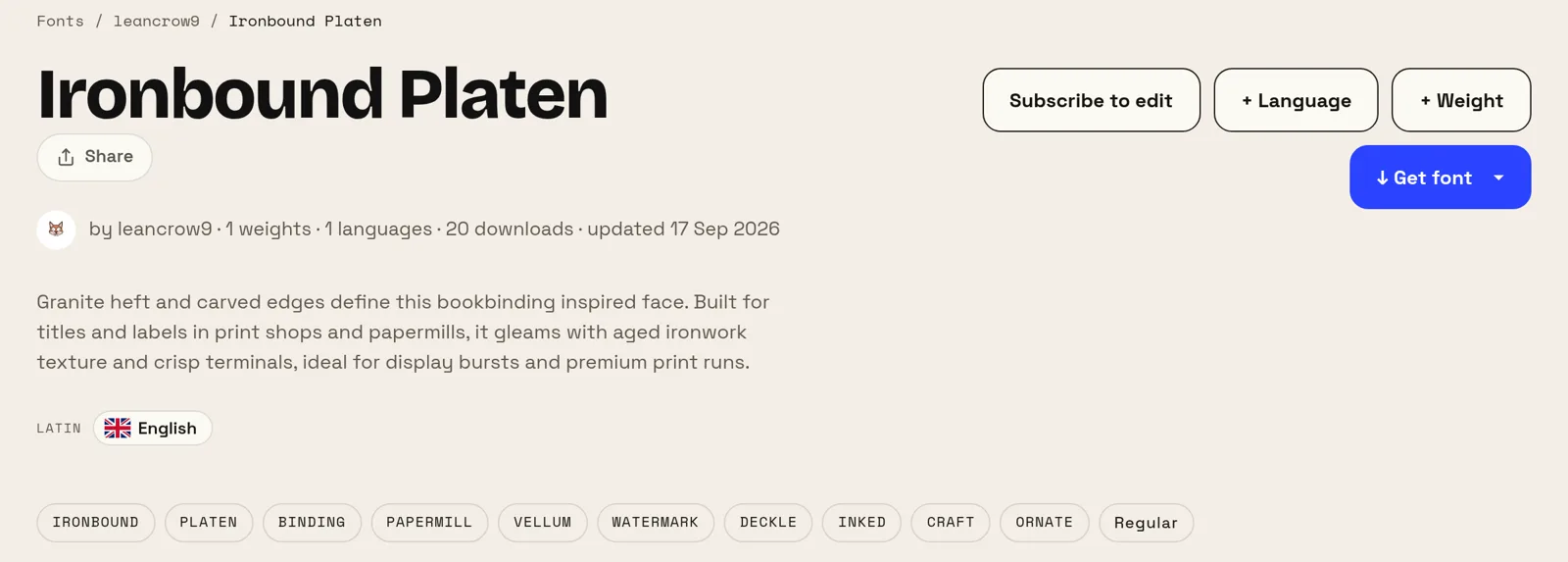
Both prompts below are the authors’ own words, with one typo fixed. Neither names a typeface, a weight or an x-height, and both fonts are public on the site, so you can judge the result instead of taking our word for it.
Five words made the first one, thirteen the second. What separates the two results is not the length of the prompt but what it names: a use (notes, a TV network) and a temperature (simple, warm). Say what the font is for and how it should feel, and leave the terminology to the tool.
Where your own font is worth the trouble
Small brands get the clearest return. Licensing a good commercial family for a logo, a site and print runs into real money every year, and the alternative — a free Google font — is a typeface your competitors are also using. A font that exists only for you removes both problems at once.
It also solves a problem money cannot: coverage. If your product speaks Russian, Arabic and Japanese, matching families across all three are rare and expensive. Drawing one family across the scripts you actually ship in is the part of this that is genuinely hard to buy.
More font generators
Cyrillic Arabic Chinese Japanese Korean Hebrew Greek Hindi (Devanagari) Multilingual Turn your handwriting into a font Make a font from an image A custom font for your website Online font maker — *a real TTF* in minutes AI fonts — *real typefaces*, not text effects Logo to font — *a whole typeface* from your wordmark Font editor online — *open your own font* and change it API / MCP