






První písmo zdarma · Bez platební karty · TTF/OTF/WOFF/WOFF2
60
languages in one family, across 9 writing systems
< 1 min
from a sentence to installable font files
TTF
plus OTF, WOFF and WOFF2 — real files that work offline
Three ways to start
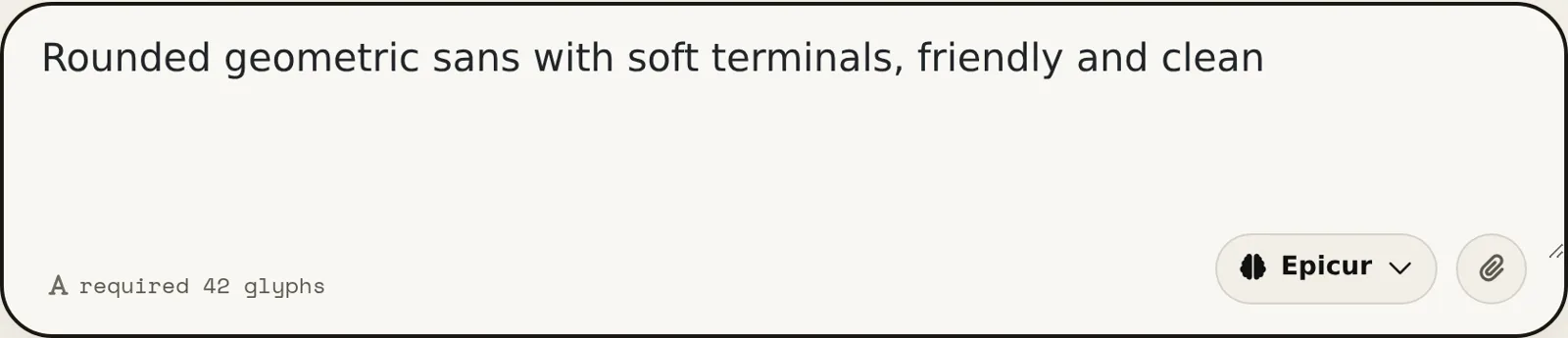
Say what you want in plain words — “heavy geometric sans with squared corners”. Best when the font exists only in your head.
AI generátor písem → 02 Start from a pictureA logo, a poster, a photo of a sign. Best when you have seen the style and want the whole alphabet in it.
Vytvořte písmo z obrázku → 03 Start from your handwritingPhotograph a few lines you wrote. Best when the font has to be unmistakably your own style.
Proměňte svůj rukopis v písmo →How to create your AI font in 30 seconds
60 jazyků · 9 písem · jediná věta
Vytvořte si vlastní písmo — zdarma
Popište písmo, které chcete, nebo nahrajte obrázek. Dostanete skutečné instalovatelné soubory písma — ne náhled.
TTF · OTF · WOFF · WOFF2 Thin · Regular · Bold Každý glyf lze upravit První písmo zdarma
Popište písmo (nebo přiložte referenční obrázek) — kompletní sada je hotová zhruba za minutu. První písmo zdarma.
Vytvořte si vlastní písmo bez grafického softwaru: popište jednou větou, jaké písmo chcete, nebo vyjděte z obrázku či vlastního rukopisu. YoFont nakreslí celou znakovou sadu, až tři řezy a až 60 jazyků v 9 písmech a předá vám skutečné soubory TTF, OTF, WOFF a WOFF2. Každý glyf zůstává upravitelný ve Studiu. První písmo je zdarma a nevyžaduje kartu.
Trendy tohoto týdne
Jak to funguje
Nálada, zadání nebo referenční obrázek — stačí běžná slova.
Celá znaková sada se nakreslí a složí do funkčního písma zhruba za minutu.
Upravte libovolný glyf ve Studiu a pak stáhněte TTF/OTF/WOFF/WOFF2 nebo vložte písmo z CDN.
Časté dotazy
Jak si vytvořím vlastní písmo zdarma?
Popište je v poli výše a spusťte generování — první písmo nic nestojí a karta se nikde nevyžaduje. Dostanete instalovatelné soubory TTF, OTF, WOFF a WOFF2, ne obrázek textu.
Musím umět navrhovat písma?
Ne. Potřebujete mít názor na to, jak má písmo působit. Návrh přijde hotový; vaše práce je všimnout si, která písmena jsou špatně, a opravit je — a to Studio umožňuje po jednotlivých glyfech.
Můžu své písmo používat komerčně?
Ano, s komerční licencí — pokrývá loga, obaly, klientskou práci i placené produkty. Osobní a nekomerční použití nevyžaduje nic navíc. Dostanete skutečné soubory, které se nainstalují a fungují i offline.
Můžu místo toho vytvořit písmo z rukopisu nebo z obrázku?
Ano — obojí je tentýž generátor, jen s přiloženým obrázkem. Vyfoťte pár řádků svého rukopisu nebo nahrajte logo či plakát a styl se rozšíří do celé rodiny.
Jaké formáty souborů dostanu?
Každé písmo se exportuje jako TTF, OTF, WOFF a WOFF2 a navíc dostanete adresy @font-face na CDN pro vložení na web.
Vytvořte si písmo () hned teď
Vytvořit písmo — zdarmaPrvní písmo zdarma · Bez platební karty · AI generátor písem
Jak si zdarma vytvořit vlastní písmo bez grafického softwaru
Tvorba písma bývala řemeslem s dlouhým učednictvím: nakreslit každou literu, vyladit každou dvojici, vyzkoušet každý stupeň. Ta cesta pořád existuje a pořád je nejlepší, pokud se chcete typografii naučit. Pokud jen potřebujete písmo, které nikdo jiný nemá, dovedou vás k němu čtyři kroky.
- Řekněte, jaký má být pocit. Konkrétnost poráží poezii. „Zúžený grotesk, tučný, ploché zakončení, těsné mezery“ dá ostřejší výsledek než „moderní a čisté“, protože každé z těch slov je rozhodnutí, podle kterého se návrh může řídit.
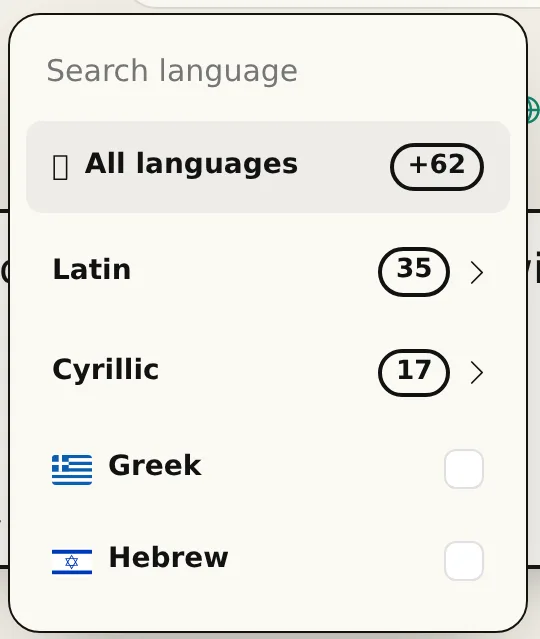
- Jazyky a řezy vyberte před generováním. Rodina kreslená pro latinku a cyrilici najednou drží proporce lépe než ta, k níž se písmo přišroubuje dodatečně. Až tři řezy, až 60 jazyků v 9 písmech, na jeden průchod.
- Návrh si přečtěte, nejen prohlédněte. Napište skutečnou větu, ne „ABC“. Potíže písma žijí v rytmu mezi literami a slovo, které opravdu používáte, je ukáže rychleji než abeceda po pořádku.
- Opravte litery, které vám vadí, a exportujte. Každý glyf se dá překreslit nebo vygenerovat znovu samostatně. Stahujete běžnou písmovou rodinu — TTF, OTF, WOFF a WOFF2 — která se nainstaluje na jakýkoli stroj a funguje offline napořád.
Co tu znamená „zdarma“
První písmo je zdarma a nechce po vás kartu. Je to kompletní rodina, ne ochuzená ukázka s vodoznakem a ne obrázek písma: nainstalujte soubory a pracujte s nimi. Většina výsledků na „free custom font generator“ není ani jedno — vykreslí váš text jako obrázek a tím to končí.
Po tom prvním si buď dokupujete glyfy podle potřeby, nebo si vezmete tarif — a komerční licenci, pokud písmo půjde do placené práce. To je celý ceník. Žádné počítání míst, žádná expirace u souborů, které už máte stažené, a nic vám nepřestane fungovat, když odejdete.
Generátor písma proti ruční práci
Ručně znamená Glyphs, FontForge nebo RoboFont a k tomu načtené hodiny, jak je používat pořádně. Jediný řez s verzálkami, minuskami, číslicemi a interpunkcí je týden soustředěné práce pro někoho, kdo už ví, co dělá — a podstatně víc pro toho, kdo se učí. Přidejte cyrilici nebo řečtinu a máte dvojnásobek.
Generování obrací, která část je drahá. Začínáte od hotové rodiny a svůj úsudek utrácíte za to, co je špatně, místo hodin za to, co je zřejmé. Řemeslo nezmizí — rozhodnout, že g je moc zavřené, je pořád na vás — jen to rozhodnutí uděláte během minut, a ne po třetím překreslení.
YoFont, Calligraphr, nebo FontStruct: co komu sedne
Stejné hledání, tři různé práce. Calligraphr převede vaše psaní na písmo přes tištěné šablony, které vyplníte, naskenujete a nahrajete. FontStruct staví litery z kostiček v mřížce. YoFont navrhne celou rodinu z věty nebo obrázku, ve všech jazycích a řezech, které si řeknete, a pak vám dá studio na opravu jednotlivých liter. Tabulka ukazuje, kde který nástroj končí.
| YoFont | Calligraphr | FontStruct | |
|---|---|---|---|
| Odkud se vychází | Věta, obrázek nebo vaše písmo | Tištěná šablona vyplněná rukou | Kostičky kladené do mřížky |
| Nutnost kreslit | Ne. Jednotlivé litery opravíte, chcete-li | Ano, každý znak | Ano, každý znak |
| Jazyky na jeden průchod | 60 jazyků, 9 písem | Co si sami nakreslíte | Co si sami postavíte |
| Řezy | Thin, Regular a Bold z jednoho zadání | Jeden na šablonu | Jeden na sestavení |
| Výstup | TTF, OTF, WOFF a WOFF2, plus odkaz na CDN | TTF a OTF | TTF |
| Hodí se na | Značkové písmo, vícejazyčnou rodinu, styl, který popíšete nebo ukážete | Písmo z vlastního rukopisu, když vás kreslení baví | Pixelová a modulární titulková písma |
Dvě písma, každé z jedné věty
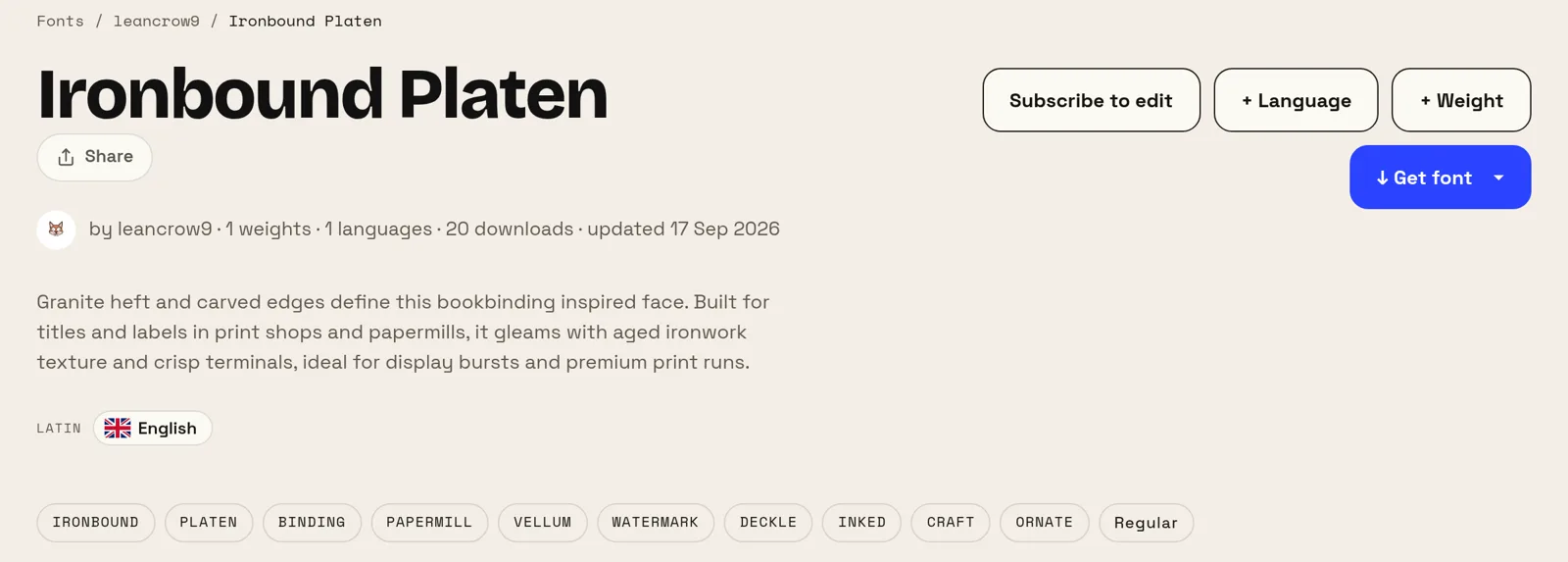
Obě zadání níže jsou vlastní slova autorů, opraven je jen jeden překlep. Ani jedno nejmenuje písmo, řez ani výšku minusek, a obě písma jsou na webu veřejná — můžete tedy posoudit výsledek místo toho, abyste nám věřili.
První vzniklo z pěti slov, druhé z třinácti. Výsledky ale nerozděluje délka zadání, nýbrž to, co pojmenuje: použití (poznámky, televizní kanál) a teplotu (jednoduché, vřelé). Řekněte, k čemu písmo je a jak má působit, a terminologii nechte na nástroji.
Kdy se vlastní písmo opravdu vyplatí
Nejjasněji se to vrátí malým značkám. Licence dobré komerční rodiny na logo, web a tisk stojí každý rok skutečné peníze — a alternativa, tedy volné písmo z Googlu, je písmo, které používá i vaše konkurence. Písmo, které existuje jen pro vás, ruší obojí naráz.
Řeší to i problém, na který peníze nestačí: pokrytí. Když váš produkt mluví rusky, řecky a japonsky, sladěné rodiny přes všechna tři písma jsou vzácné a drahé. Nakreslit jednu rodinu napříč písmy, ve kterých skutečně vydáváte, je právě ta část, kterou se koupit dá jen těžko.
Další generátory písem
Cyrilice Čínské písmo Japonské písmo Korejské písmo Hebrejské písmo Řecké písmo Hindština (dévanágarí) Vícejazyčné písmo Proměňte svůj rukopis v písmo Vytvořte písmo z obrázku Vlastní písmo pro váš web Tvorba písma — vytvořit písmo během pár minut AI písma — skutečná písma, ne textové efekty Generátor písma z loga — celé písmo z vašeho loga Editor fontů online — otevři svůj vlastní font a uprav ho TTF editor online — otevři .ttf a uprav ho v prohlížeči OTF editor online — otevři .otf a uprav jeho glyfy WOFF editor — uprav webový font bez předchozího převodu WOFF2 editor — otevři .woff2 a oprav ho v prohlížeči API / MCP