

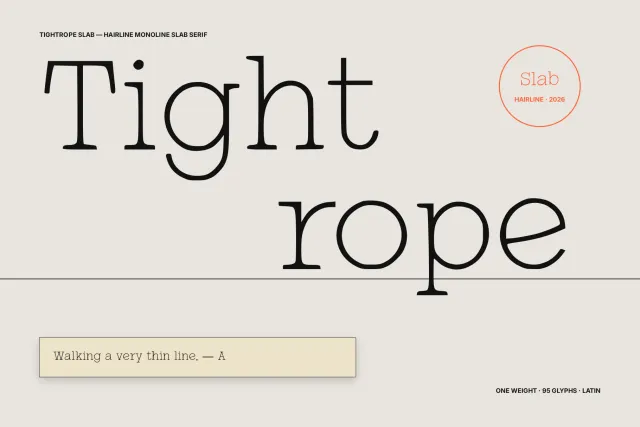
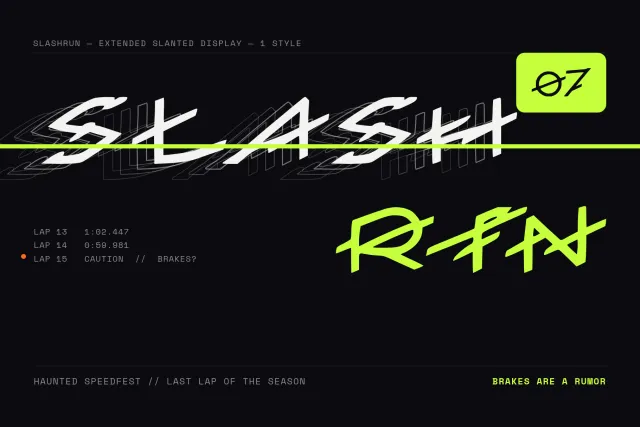



Open your .woff file
TTF · OTF · WOFF · WOFF2
The original outlines stay untouched until you change them. Nothing is published.
// what you can change
01 Redraw a single glyph Regenerate one letter, draw it yourself, or hand over a reference for that character alone. 02 Add a language it never had Cyrillic, Greek, Hebrew, CJK and more, drawn in the same hand as the letters already in the file. 03 Build a weight from your Regular Bold or Thin that keeps the proportions of the file you uploaded. Open the editorTTF · OTF · WOFF · WOFF2 Thin · Regular · Bold Every glyph editable First font free
WOFF editor — edit a web font without converting it first
A WOFF file is a TrueType or OpenType font wrapped in compression for the web, and often it is the only copy a project still has. Open it here as it is, change the glyphs you need, and download it back as a web font or as a desktop file.
Trending this week
Frequently asked questions
Can I edit a WOFF file directly?
Yes. You don't need to convert it to TTF first. The editor unpacks the file, shows every glyph and lets you work on it like any other font.
Can I turn a WOFF into a TTF or OTF?
Yes. The same project exports WOFF, WOFF2, TTF and OTF. Downloading the file needs the Pro plan or above.
Will the web font get bigger after editing?
Only by what you add. A new language adds its glyphs, and a redrawn letter replaces the old one. If size matters, export WOFF2, which compresses better than WOFF.
Can I add missing characters to a web font?
Yes. If the site needs Cyrillic, Greek, Vietnamese accents or another script the file lacks, add the language and the glyphs are drawn to match the existing letters.
Can I edit a WOFF I found on someone else's website?
Only if its licence allows it. A web font served on a site is usually licensed to that site alone. Edit fonts you made, fonts you bought with modification rights, or fonts under an open licence.
Which file formats do I get?
Every font exports as TTF, OTF, WOFF and WOFF2, plus CDN-hosted @font-face URLs for web embedding.
How to edit a WOFF web font
- Drop the .woff on the page. No conversion step. The file opens with its full glyph set and the list of languages it covers.
- Fix what is wrong. Regenerate or redraw single glyphs, or attach a reference image for one character.
- Fill the gaps. Add the languages your pages need, so text in them stops falling back to a system font.
- Export for the web and for desktop. Download WOFF or WOFF2 for the site, and TTF or OTF if the design team needs the font installed.
WOFF and WOFF2: what is inside
WOFF and WOFF2 are containers. Inside sits an ordinary TrueType or OpenType font, compressed so a browser downloads it faster. WOFF uses zlib compression, WOFF2 uses Brotli and usually comes out 20 to 30 percent smaller.
Because the font inside is ordinary, everything you can do to a TTF you can do here: fix glyphs, add scripts, add weights.
Using the edited font on your site
Export WOFF2 for modern browsers and keep WOFF only if you support very old ones. Load the file with @font-face as before. If you keep the family name, your CSS needs no changes.
Open another format
Every page below opens the same editor. Pick the one that matches your file.
TTF editor OTF editor WOFF2 editor Font editor: all formats
More font generators
Cyrillic Chinese Japanese Korean Hebrew Greek Hindi (Devanagari) Multilingual Turn your handwriting into a font Make a font from an image A custom font for your website Create your own font — free Online font maker — a real TTF in minutes AI fonts — real typefaces, not text effects Logo to font — a whole typeface from your wordmark Font editor online — open your own font and change it TTF editor online — open a .ttf and change it in the browser OTF editor online — open an .otf and edit its glyphs WOFF2 editor — open a .woff2 and fix it in the browser API / MCP